Install/Uninstall .app & .ipa Apps on iPhone/iPAD
Learn how to install and uninstall .app and .ipa applications on your iPhone or iPad with ease. This guide covers App Store downloads, custom .ipa installations, and safe removal practices.
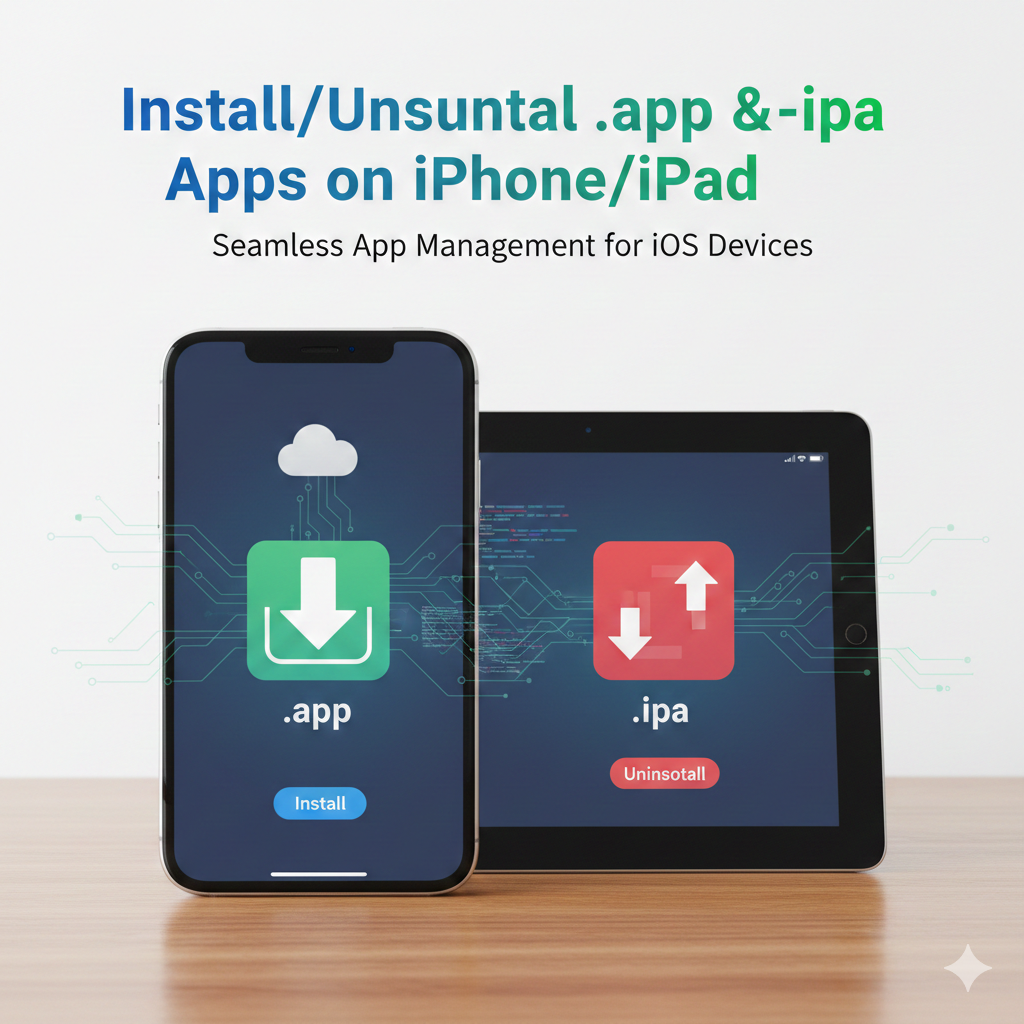
Managing applications on your iPhone or iPad is a fundamental skill every user should master. Whether you’re installing new apps from the App Store or handling custom .ipa files, knowing how to install and uninstall apps properly ensures your device runs smoothly and securely.
📲 Installing Apps via App Store
- Open the App Store on your device.
- Search for the desired app.
- Tap Get (or the price if it’s paid).
- Authenticate using Face ID, Touch ID, or Apple ID password.
- The app will automatically download and appear on your home screen.
📥 Installing .ipa Files (Custom Apps)
.ipa files are iOS application packages often used for beta testing or enterprise distribution. To install them:
- Use Apple Configurator 2 or iTunes (older versions) on your Mac/PC.
- Connect your iPhone/iPad via USB.
- Drag and drop the
.ipafile into the device’s app section. - Alternatively, use TestFlight for beta apps distributed by developers.
⚠️ Note: Installing.ipafiles outside the App Store requires a valid provisioning profile and developer certificate.
🗑️ Uninstalling Apps
- Locate the app on your home screen.
- Press and hold the app icon until a menu appears.
- Tap Remove App → Delete App.
- Confirm deletion to free up storage and remove the app completely.
For apps installed via .ipa files, the removal process is the same. However, if installed through enterprise distribution, you may also need to revoke the profile under Settings → General → VPN & Device Management.
⚖️ Best Practices
- Always download apps from trusted sources.
- Regularly uninstall unused apps to optimize performance.
- Keep your iOS updated for better security and compatibility.